 DecideDecide
Use what you have. Buy only what you need.

Sensible defaults are ready to use — no need to set every preference first.
Photo your fridge or pantry, or list ingredients you already have.
or type what you have
Type what you have — or use Scan fridge above.
Pick a meal slot and speed — we'll suggest one dish and what to buy if you're short.
Next: one dish, only what you're missing to buy, and steps.
Cooking suggestions only. Check allergens and food safety before cooking.
From fridge to dinner in 3 simple steps
Take a photo of your fridge or ingredients.

We find the best meal using what you have.

Step-by-step instructions and shopping list (if needed).
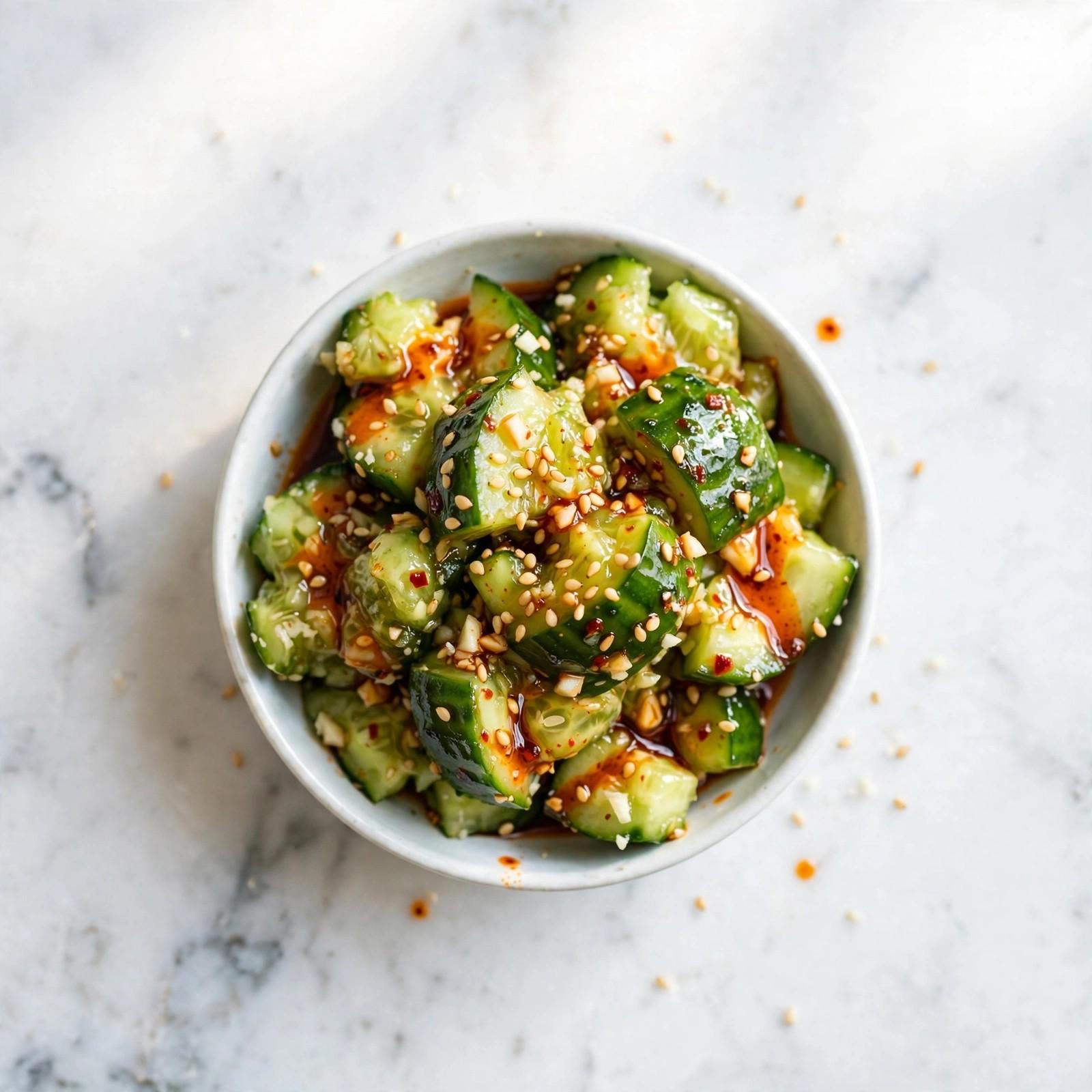
An example from a typical fridge — not yours. Scan or type what you have to get your own pick.

~15 min2
In this example:
Need to buy (optional):
Nothing to buy — this one uses only what's in this example fridge.
Less waste, more value
No more endless recipe searching
Real meals for real life
See how the site works in the full tour, and meet the lunch boxes from our Mom's Love Bento series.
XingAI Cook Full Tour — What's for Dinner, Decided
The whole site, walked through end to end.
I Asked AI for a 15-Minute Dinner — It Corrected Itself to 25
Three real Decide runs on this page's own form, filmed exactly as they happened. The chicken run used 5 of 5 ingredients with an empty buy list. The tofu run rejected kimchi fried rice — there was no cooked rice — and served a kimchi tofu scramble instead. The salmon run corrected its own time from ~15 to ~25 minutes, right on its result page. Each pick is what the site returned on this run; run it again and it may decide differently.
Watch on YouTubeI Ran Four Kitchens Through It — It Said 5 of 5 Every Time, but the Egg Was Optional
Four more real Decide runs on this page's own form, filmed screen by screen. The shrimp run (Nov 12) returned a Garlic Shrimp and Zucchini Skillet and reported 5 of 5 ingredients used — yet in its own steps the egg is only an optional topping. The ground beef run (Nov 16) passed on the stew, saying it needs longer cooking, and built a Cheesy Beef and Potato Skillet instead. The fridge cleanout run (Nov 17) turned sausage, sweet potato and eggs into a Sausage and Sweet Potato Skillet. The tortilla run (Nov 17) chose Black Bean & Corn Tortilla Wraps after rejecting quesadillas over cheese that was never in the list — and when the same list ran again, it picked the quesadillas. Each result is what the site returned on this run; run it again and it may decide differently.
Watch on YouTubeMore cooking and bento videos live on our YouTube channel. Subscribe on YouTube
XingAI Cook AI is a free web app that decides what to cook from what you already have. Recipe sites make you search and compare many dishes. Cook AI recommends one practical meal, a short list of only what you’re missing, and the cooking steps — less searching, more cooking.
No. Cook AI is built around one meal decision at a time, so you don’t scroll through a long list. If you want a different option, tap Suggest another — you still get one dish, with its own short buy list and steps, instead of a page of choices to browse.
That’s the main use case. Scan your fridge or type what you have, or tap Surprise Me on the home screen: one tap, no typing, and Cook AI picks one meal you can actually make tonight from a default list of common home ingredients, with steps you can follow right away.
Enter or scan what is in your fridge, then choose breakfast, lunch or dinner and how fast you need it. Cook AI suggests one dish that leans on your ingredients, a short buy list for anything missing, and the cooking steps. Use what you have; buy only what you need.
Open Cook AI, scan or type what’s at home, pick Dinner and a speed mode such as 15 min, then tap Decide for me. In seconds you get one meal that fits your ingredients, a short list of only what you’re missing to buy, and simple steps to start cooking tonight.
How it works·Why one meal — not a recipe search.·All FAQ